
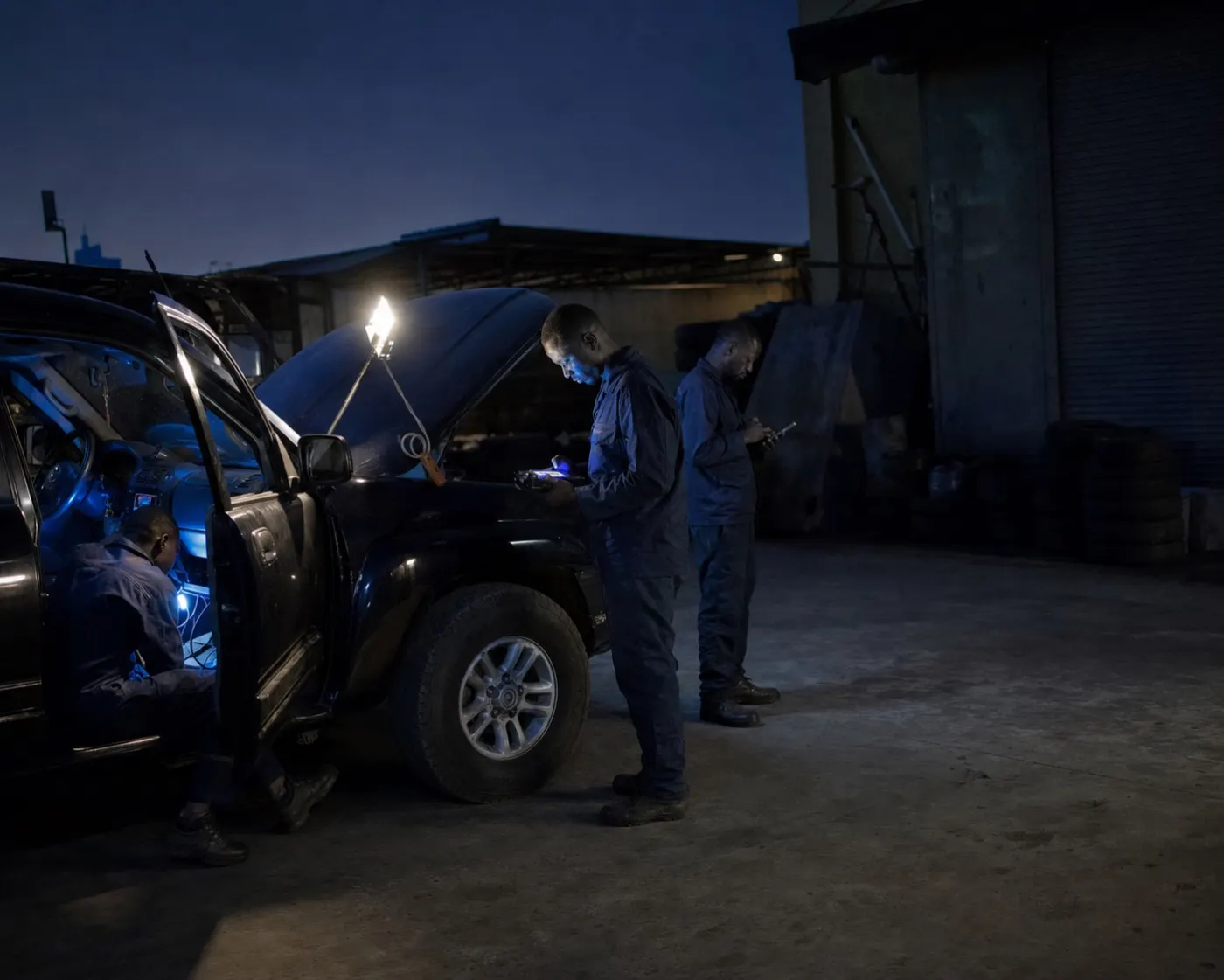
Fleet tracking for an NGO in DRC means a hidden GPS tracker in each vehicle, a platform that turns its positions into trip reports and alerts, and a few rules that logistics and security staff agree on before the first mission. With GT AFRIK, positions update every 30 seconds over the 2G network, geofence and ignition alerts go to WhatsApp, reports are in French or English, and the tracker keeps recording when the network drops. Tracking starts from US$25 per month and fleets are typically live within 24 hours.
Why NGO fleets in DRC use GPS vehicle tracking
Humanitarian and development fleets have three needs that a commercial delivery fleet does not always share:
- Accountability to donors. Funders generally expect vehicle use to be justified: where a vehicle went, when and for which activity. A trip history gives an independent record next to the paper logbook.
- Staff safety. Knowing a vehicle’s last position, and when it was received, helps a security focal point follow a field movement and react when a team is late.
- Shared vehicles and fuel. Vehicles often move between projects and offices, and diesel is a major running cost. Tracking shows how each vehicle is really used, and a fuel sensor shows where the fuel goes.
What an NGO fleet tracking system should report
On GT AFRIK’s GPS fleet tracking platform, the features NGO logisticians use most are:
- Live position on a map, updated every 30 seconds while the network is available.
- Route history and playback: replay any trip with its distance, stops and speed, and export it as a report.
- Geofences around offices, guesthouses, warehouses and field bases: any entry or exit sends a WhatsApp alert.
- Ignition and extended-stop alerts, also on WhatsApp, with no app required.
- Driver scoring from speeding, harsh braking and engine idling: a weekly score per driver, used to coach rather than punish.
Donor reporting: turning trips into evidence
The simplest method is to keep the logbook and the GPS report side by side. Drivers or the transport officer record the project or budget line for each movement, as most organisations already do; at the end of the month, the trip report exported for each vehicle gives the distance, dates and stops. Comparing the two shows unrecorded trips, mileage claimed twice and vehicles that stood idle while a project rented another one.
Keep the exported reports with the monthly fleet file, so they can be produced during an audit or a donor visit. The tracking data does not replace your own procedures; it gives them figures that nobody had to type in.
Safety zones and movement rules for field teams
Geofences turn security rules into alerts. Typical zones are the office compound, the guesthouse, the warehouse and each field base, plus the main road out of town. Decide in advance who receives each alert on WhatsApp: the security focal point for movements, the transport officer for vehicles that start outside working hours.
Two habits matter more than the technology:
- Read the time of the last position. Outside network coverage the map can only show the last position received, which is the last known position, not the current one.
- Keep your other check-ins. GPS tracking supports radio and phone check-ins and movement procedures; it does not replace them.
Live positions of staff vehicles are sensitive information. As a general rule, limit who can see them, and remove access as soon as someone leaves the team.
Tracking vehicles where there is no network
Between towns and on long field routes the mobile network often drops, but the tracker keeps calculating its position from satellites. A Teltonika tracker that loses the network saves its records in internal memory and sends them when the connection returns, with their original times [1], so the route can be filled in afterwards. The guide to how a GPS tracker works explains this in detail. Coverage maps such as the GSMA’s are planning tools [3]: check the first long trip on each route to be sure everything arrived.
Fuel, generators and tamper alerts at field bases
Where diesel is the main risk, a fuel-level sensor (Escort TD-BLE or Omnicomm LLS 6 AI) shows refuelling and sudden drops; see fuel monitoring for vehicles and tanks. Many field bases also run on a generator: a Teltonika FMB125 reads DSE, ComAp and DATAKOM controllers, as described on the generator monitoring page. Trackers can also report when they are disconnected from power or when a vehicle is towed with the ignition off [2]. Remote engine cut-off and dashcams are available as options.
Coverage, installation and bilingual support
GT AFRIK has technicians in Kinshasa, Lubumbashi (also covering Kolwezi and Likasi) and Brazzaville, and Matadi is served on request. Dashboards, reports and support are in French and English, and support runs 24/7. Teams on the move can follow vehicles in GT Fleets, the free Android app. For the capital, see GPS tracking in Kinshasa; for the Katanga offices, GPS tracking in Lubumbashi.
Setup checklist for an NGO logistics team
- List the vehicles, their offices and the routes they drive.
- Choose who receives which WhatsApp alert (security, transport, finance).
- Draw the geofences: offices, guesthouses, warehouses, field bases.
- Keep project codes in the logbook and agree the monthly report format with finance.
- After the first long field trip, check that the stored records arrived.
- Review driver scores each week with the drivers.
Comparing suppliers? The fleet tracking buyer’s checklist lists the questions to ask, and the GPS tracker price guide explains what a quote includes.
What tracking will not do
- It does not say who was driving unless driver identification is added.
- It does not see inside the tank without a fuel sensor.
- It does not replace security procedures, radio check-ins or a convoy plan.